
Play PS2 Games in Widescreen With RetroArch
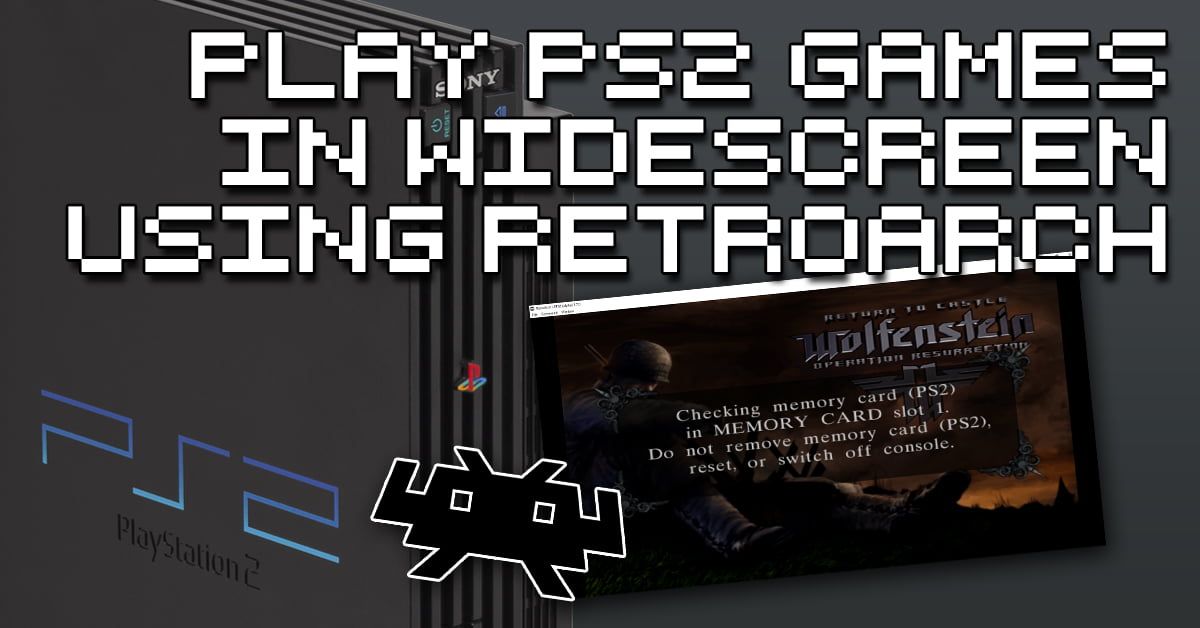
Step 1 – Install & configure LRPS2 core in RetroArch If you have not already set up RetroArch to play PS2 games with the LRPS2 … Read more
Step 1 – Install & configure LRPS2 core in RetroArch If you have not already set up RetroArch to play PS2 games with the LRPS2 … Read more
What is a PNACH file? A PNACH is a text file that can be used to apply either cheats or patches to games via PCSX2. … Read more
Requirements Step 1 – Downloading The PUAE 2021 Core In RetroArch The first step is to download the PUAE 2021 core in RetroArch. Boot up … Read more
Requirements Step 1 – Download The FreeIntv Core In RetroArch First of all, you will need to download the FreeIntv core in RetroArch. Load RetroArch, … Read more
Requirements Check out more excellent 8BitDo controllers below: Step 1 – Download The mGBA Core In RetroArch The first step is to download the mGBA … Read more
Requirements Step 1 – Download The Citra Core In RetroArch The first step is to boot up RetroArch and download the Citra core. Simply start … Read more
What Are RetroArch Shaders? You may have heard the term ‘Shaders’ before. A shader is typically used to modify the colors and other visual components … Read more
Requirements Step 1 – Download Neo Geo BIOS Files The Finalburn Neo core on RetroArch requires the use of a Neo Geo BIOSs file so … Read more
Requirements Here’s what you’ll need before we begin: Step 1 – Install Steam This first step is pretty obvious and if you are reading this … Read more
Requirements Step 1 – Download The DeSmuME Core In RetroArch The first step is to boot up RetroArch and download the DeSmuME core. Once you … Read more
Requirements Alternatively, for a more Sega-like experience, why not get an 8BitDo M30 which has one of the best d-pads in the business. Step 1 … Read more
Requirements Step 1 – Download The Nestopia Core In RetroArch First of all, you will need to download the Nestopia UE core in RetroArch. Boot … Read more